
Your website already has visitors. The question is whether those visitors earn you anything. If AdSense rejected your site, or pays you a few cents a day, popunder ads are one of the simplest ways to test what your traffic is really worth — as long as you use them carefully.
This guide to popunder ads for publishers explains the format, what affects earnings, the Google rule you must know, and how to start with one reviewed channel. You will also learn what to monitor before adding more advertising. If you want to monetize your website, the useful question is whether income improves while visitors can still use the pages they came for. Start with the publisher information if you want an overview of Millionreferral first.
What are popunder ads for publishers?
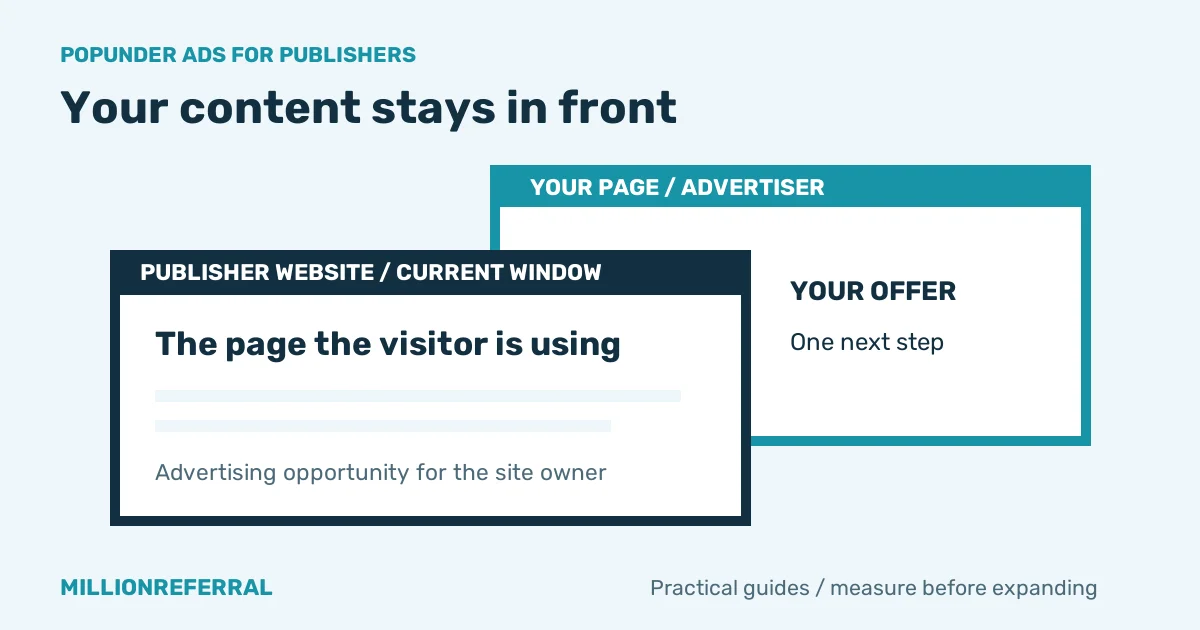
A popunder opens an advertiser's page in a separate tab or window, usually after a visitor interacts with your site. It is intended to appear behind the current page so the content stays visible. Browser settings and protections affect what actually opens, so you should test behavior rather than assuming every device behaves identically.
As a publisher, you supply an advertising opportunity through your existing visitors. The advertiser receives a full-page visit instead of a small banner placement. That can make a visit commercially useful, but neither advertiser spending nor a delivered view guarantees a particular amount of publisher revenue.
Use the earnings recorded for your channel to evaluate performance, and check the applicable publisher terms for payment details. Advertiser CPM bids are not a published publisher payout rate. For the visual difference between formats, read Popunder advertising vs display ads.
Why consider popunders for a small website?
A small website rarely needs a complicated advertising project before testing monetization. A recipe blog, calculator, hobby forum, or local directory already has a reason for visitors to arrive. The aim is to earn from those real visits while keeping that original reason intact.
Millionreferral offers easy-to-implement code and channel settings so you can begin with a limited integration. Add your site, choose the formats you allow, and paste one code snippet — no ad-tech project needed. Every channel is reviewed before it goes live, so approval is a step in the process rather than an assumption.
Advertisers bid per country, which means a niche or local audience can still be relevant to a campaign. But an advertiser must want the available audience: registering a channel does not guarantee demand, continuous fill, or income. An ad network cannot turn every page load into a paid opportunity.
A small site will earn less than a big one — that's simply how advertising works. What matters is that your visitors are real, your pages stay usable, and you can see exactly what each channel earns. When comparing a popunder ad network for small websites, put transparent settings and understandable results ahead of ambitious earnings promises.
The AdSense rule every publisher must know
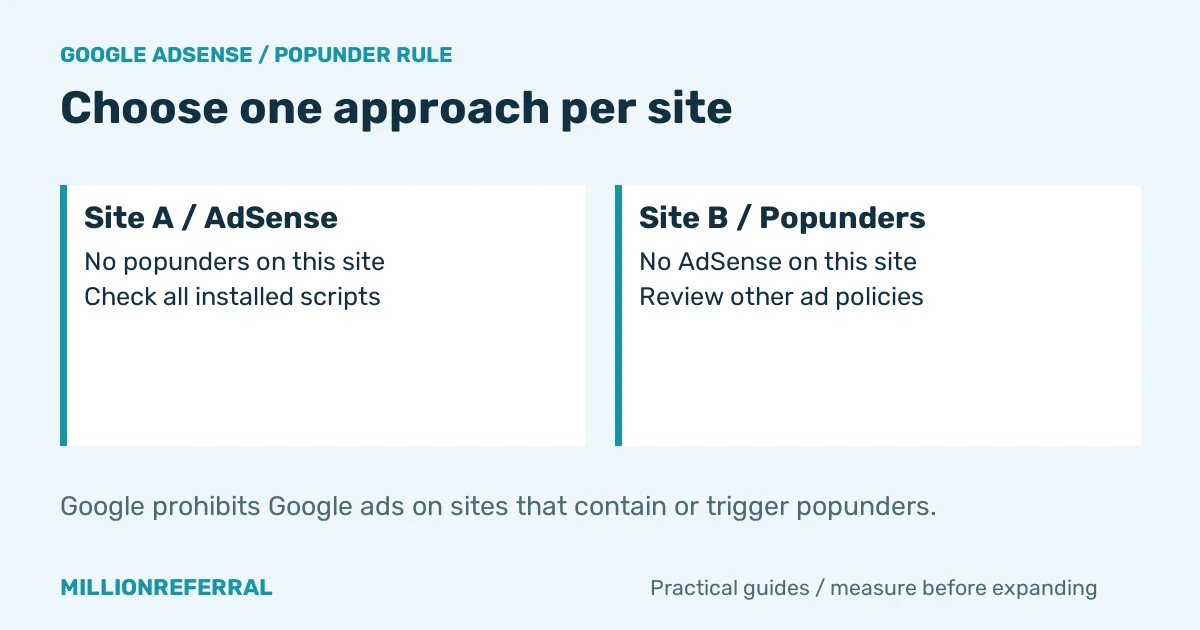
Google's AdSense ad placement policy says: “Publishers are not permitted to place Google ads on sites that contain or trigger pop-unders.” Google doesn't allow AdSense on sites that contain or trigger pop-unders. So decide per site: popunders or AdSense — never both.
Moving a popunder script to a different page on the same site does not address that site-wide rule. Google's clarification around pop-unders explains that the restriction applies regardless of whether Google ads appear in the popunder itself.
If your site does not use AdSense, you can consider a controlled popunder test subject to the network's review. If keeping AdSense matters, explore display or text banners instead and check the policies for any third-party ads you add. That is an option to assess, not a claim that Google approves a particular integration.
Owners of several sites can begin on one site that does not run AdSense. Keep the setups separate and review every ad script already installed. Our AdSense alternative for small publishers guide offers more questions to ask before changing networks.
Not using AdSense, or ready to test something else? Add your website to Millionreferral and see what your traffic can earn.
Will popunder ads hurt your SEO or your visitors?
Popunders are intended to leave the current content visible, unlike an interstitial covering the page. Google's Search Central guidance on avoiding intrusive interstitials and dialogs concerns access to content. It does not certify popunders as SEO-safe or Google-approved.
User experience still matters. Too many new tabs, slow scripts, unexpected navigation, or misleading advertising can make people leave and discourage them from returning. An extra advertising opportunity is not useful if it undermines the tool, article, or community that brings your audience back.
Keep frequency conservative using the controls available in your integration. Check what they actually limit: a maximum number of banners per page load is different from a per-visitor popunder frequency cap. Do not assume one setting controls both, or install extra scripts to defeat browser protections.
Test navigation menus, search, forms, and the cookie notice specifically. Essential actions should remain predictable, and visitors should be able to decline optional features where required. Watch page speed and Core Web Vitals alongside revenue, because an advertising script is only one part of the complete page experience.
Adult and non-adult inventory run in separate scopes on Millionreferral. Describe your website accurately and keep its allowed advertising appropriate to the audience. Clear channel stats show what each site earns, so you can optimize with real data rather than adding more ads simply because you can.
How much can you earn with popunder ads?
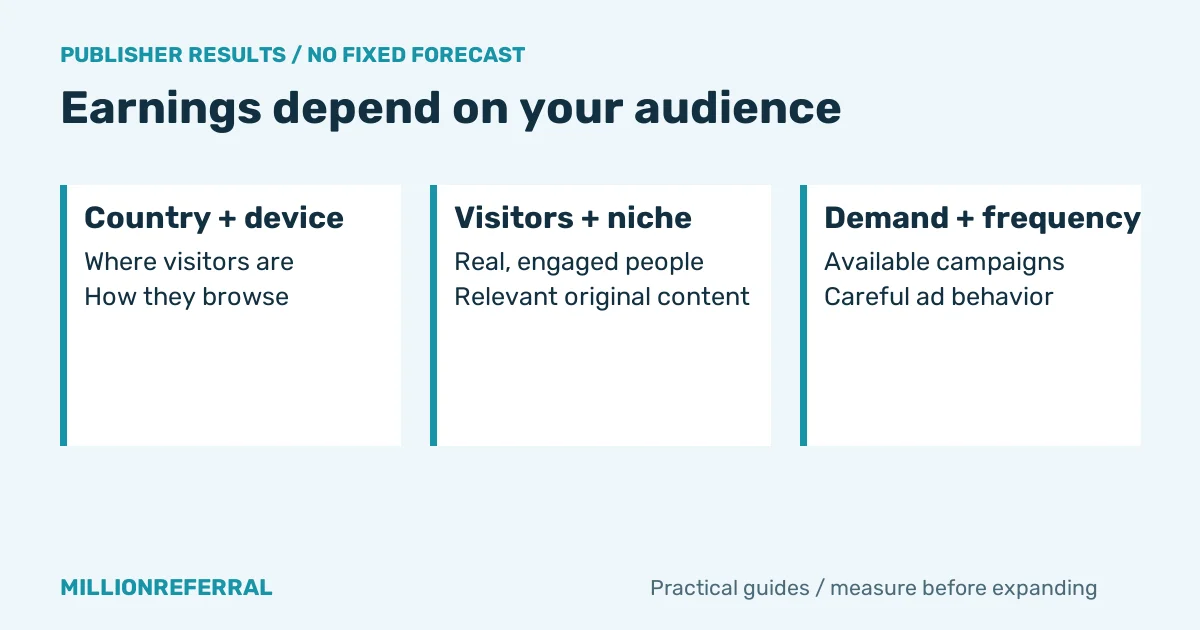
There is no honest universal answer to how much popunder ads pay. Visitor countries, device mix, unique daily visitors, niche, advertiser demand, traffic quality, and frequency all influence the opportunity. Two sites with the same page-view count can produce very different amounts of eligible advertising traffic.
Fill rate describes how many opportunities receive an ad. A page load without a suitable campaign may create no paid delivery. Repeat visits, browser restrictions, and counting rules also mean your website's page views will not necessarily match the views recorded in the ad dashboard.
For interpreting an effective rate, use this relationship: earnings = counted paid views ÷ 1,000 × effective CPM. Example only, not a forecast: if 3,000 counted views have an effective CPM of X, the corresponding earnings are 3 × X. X is a variable, not a quoted Millionreferral rate or a promise of a fixed CPM payout model.
RPM is a revenue measure per thousand of the units being reported, such as page views; always check the denominator before comparing it with an advertising CPM. Keep comparisons within the same reporting period and unit. A bigger number from another website may describe an entirely different audience or calculation.
Check current payout conditions before relying on the balance for cash flow. Do not infer a minimum payout, payment method, or payout schedule from the advertiser top-up page. Funding an advertising campaign and receiving publisher earnings are separate processes with their own conditions.
How to add popunder ads to your website step by step
1. Create your Millionreferral account
Create your account and decide which website will be your first test. Choose a site you control and can inspect on both desktop and mobile. Make a short note of its current traffic, engagement, and returning visitors before installing any additional advertising.
That baseline helps answer whether the change is useful later. If you already run other ad networks, list their scripts and restrictions. Remove incompatible integrations before experimenting, especially AdSense on the site where you intend to enable popunders.
2. Add your website as a channel
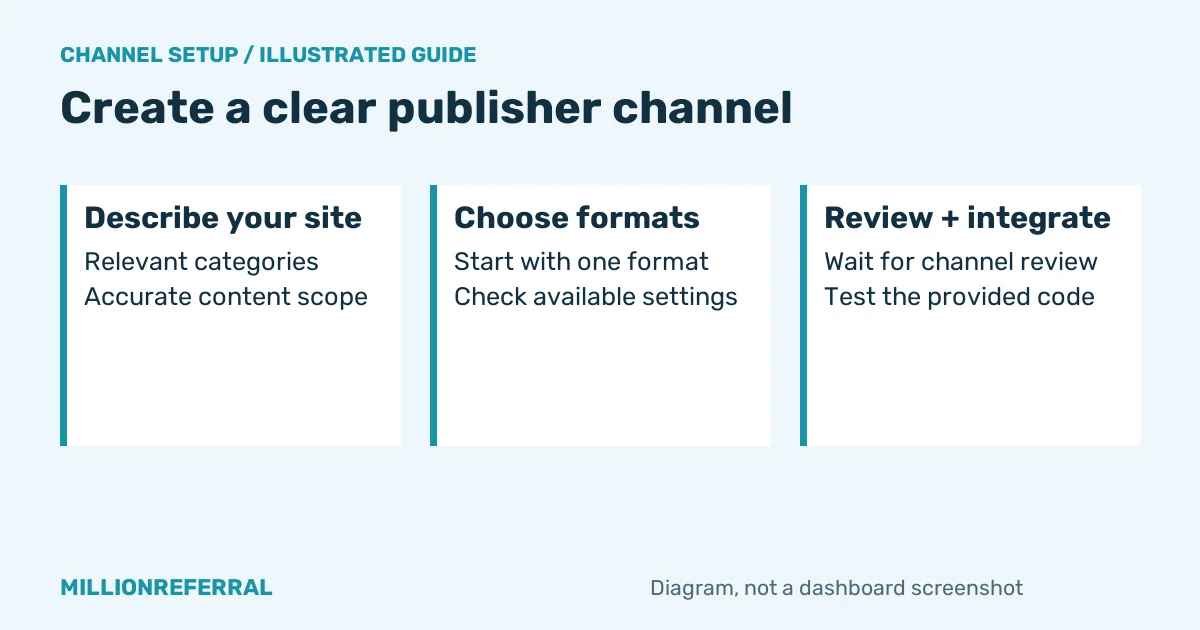
Describe the website accurately, including relevant categories, the correct content scope, and approximate monthly visitors where requested. A channel represents the site being reviewed and measured. Clear information helps the review and gives you a more useful way to compare sites in your reporting.
Our guide to how to monetize a small website with display ads covers the broader publisher setup. Keep your site's content accessible for review rather than submitting a blank domain or a page that only redirects elsewhere.
3. Choose the formats you allow
Start with one format so you can identify its effect. Use the formats and settings offered for your channel, and confirm the popunder integration before enabling it. You decide how many ads can appear per page load through the relevant banner controls; assess the popunder behavior separately.
Do not maximize every setting immediately. A tool people use repeatedly may need a different approach from an occasional reference page. Choose what fits the visitor's task and record the settings so you can reproduce or reverse the experiment.
4. Wait for review
Channels are reviewed before publication. Do not promise advertisers or colleagues that a submitted site will be approved immediately, and do not count projected earnings before it is live. Check for review feedback and correct issues before expecting delivery.
Review is also a reason to keep contact details current and describe the actual content. If you change the site's purpose substantially, check whether its channel information and advertising choices still match. An approved configuration should remain an accurate representation of the site.
5. Paste the code and check your pages
Use the provided integration code and the instructions shown for your channel. Dynamic and manual integration serve different placement needs; avoid installing duplicates through both a theme and a tag manager. Check page source or your installation settings if advertising appears more often than expected.
Test the homepage, a typical article or tool page, forms, and important navigation. Repeat on mobile and desktop with ordinary browser settings. Verify that the site remains usable when an ad is blocked or no campaign is available. Never make access depend on a visitor disabling browser protections.
6. Watch your channel stats for two weeks, then optimize
Compare income, engagement, bounce rate, and returning visitors before and after the change. Two weeks is a useful first observation period, not a guarantee of statistically reliable results for a low traffic website. Keep notes about unusual traffic spikes, holidays, or other site changes.
Change one setting at a time. If earnings rise while navigation complaints or exits increase, investigate before expanding. A modest ad setup that preserves repeat visitors may be more useful over time than a crowded setup that damages the reason people visit.
Popunder vs banner vs direct link: which should you use?
| Format | Visibility | UX impact | Setup and best fit |
|---|---|---|---|
| Popunder | Separate advertiser tab or window | Unexpected tabs need careful testing | Script integration; sites able to test a controlled additional visit |
| Banner or text | Inside your page layout | Uses page space; watch density and layout shifts | Placement code; articles and layouts with clear ad space |
| Direct link | Advertiser destination after following a link | Needs an understandable, deliberate interaction | Link integration where provided; clearly identified promotional links |
Begin with one format, measure, then consider another. To understand the demand behind your inventory, see how advertisers buy your traffic. Their landing-page results influence whether they continue buying, so useful real visitors matter more than inflated impression counters.
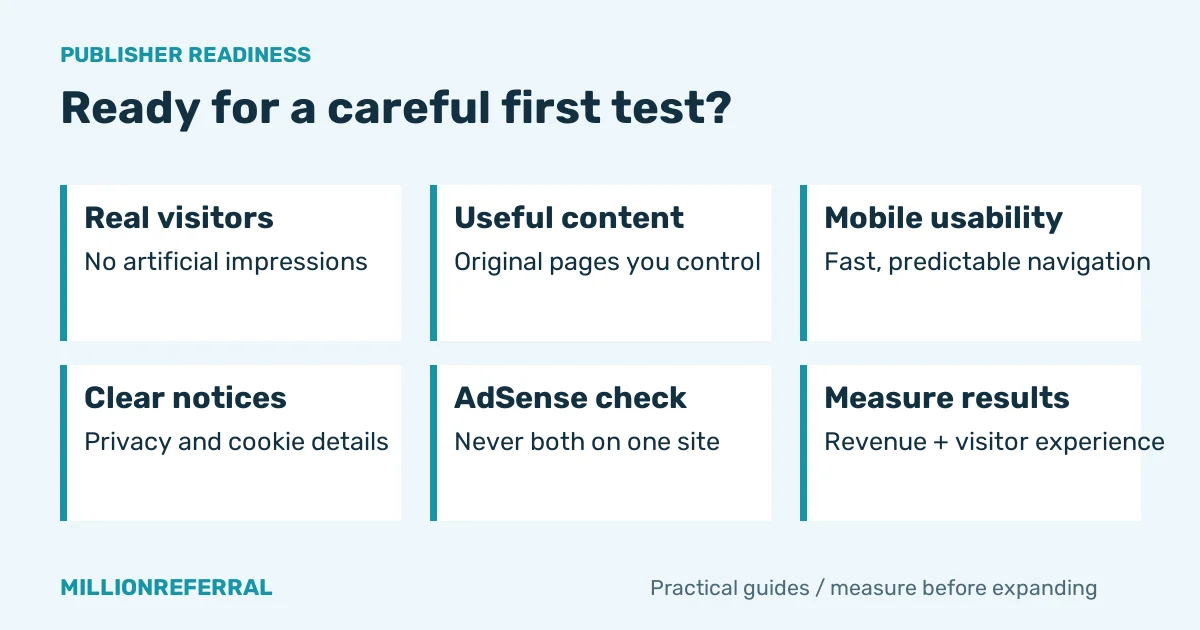
Checklist: is your site ready for popunder ads?
- You control the website and its integration code.
- Original, useful content gives real visitors a reason to arrive and return.
- There is no malware, illegal content, or copyright-infringing material.
- Mobile pages load well and essential navigation works predictably.
- Your privacy and cookie information describes the relevant site behavior.
- The same site does not run AdSense if it contains or triggers popunders.
- You have a baseline and can remove the integration if the experiment goes badly.
Do not buy or generate traffic to inflate ad impressions. If you are looking for an ad network with no minimum traffic, avoid assuming acceptance based on a search phrase: website owners can apply after registering, and every channel is reviewed before ads go live.
Start earning from your traffic with Millionreferral
To monetize a low traffic website, begin with what you can verify: an accurate channel, working code, usable pages, and measured results. Millionreferral is built and hosted in the Netherlands, with email support when you need it. Use support for questions about your account's current publisher conditions.
Publishers who recommend the platform can also read about the Millionreferral referral program and its 10% commission. Keep that separate from advertising earnings when assessing your site. Your first goal is a clear, manageable test using the visitors you already have.
Frequently asked questions
What are popunder ads?
Popunder ads open an advertiser page in a separate tab or window, typically behind the page a visitor is using after an interaction. The original content is intended to remain visible. Browser protections influence actual behavior, so test your integration on mobile and desktop instead of assuming every page view will produce an advertising visit.
Can I use popunder ads together with Google AdSense?
No. Google prohibits Google ads on sites that contain or trigger popunders. Decide per site whether to use AdSense or popunders, and check every installed script before switching. Putting the popunder code on another page of the same site does not resolve the site-wide restriction. See the linked Google policy in the article for the exact rule.
Do popunder ads hurt SEO?
There is no blanket SEO safety guarantee for popunders. They are intended to leave the current content visible, but unexpected tabs, excessive frequency, and slow scripts can still damage the visitor experience. Check page speed, engagement, and returning visitors after installation. Google Search guidance about intrusive interstitials is not approval of any popunder setup.
How much do popunder ads pay per 1,000 views?
There is no single rate that describes every site. Countries, devices, niche, advertiser demand, eligible views, and traffic quality all affect results. Use your channel statistics over a meaningful period, and check the applicable publisher terms. Do not interpret advertiser bid minimums or another publisher's reported CPM as a promised payout for your website.
Is there a minimum traffic requirement on Millionreferral?
Website owners can apply after registering, and every channel is reviewed before ads go live. This guide does not claim a particular minimum or automatic acceptance. Describe your real traffic and content accurately when applying. If a traffic threshold determines your decision, check the current publisher information or ask support before planning around approval.
Which websites are not accepted?
Websites must comply with Millionreferral's terms, including restrictions on illegal, discriminatory, offensive, or copyright-infringing content. Do not submit malware or fake traffic, and describe the site's content scope accurately. Review decisions depend on the actual site and applicable conditions. Read the terms and conditions linked below before adding your website as a channel.
Check the terms and conditions before applying.
Turn your visitors into income
Create your free account, add your website as a publisher channel, and choose the ad formats that fit your site. Once your channel is approved, your existing traffic can start working for you.
Related reading
- How to Buy Popunder Traffic: A Beginner's Guide for Small Budgets
- How to boost traffic without breaking the bank
- 3 proven strategies to advertise your business online
- Earn 10% commission with the Millionreferral referral program
- How to monetize a small website with display ads
- AdSense alternative for small publishers
- How to buy targeted website traffic on a small budget
- Popunder advertising vs display ads
- How to promote a business website when Google Ads is too expensive